IaC (Infrastructure as Code)
- 구성 및 설정 자동화
- Terraform, Ansible
Container 기술
- Docker, kubernetes
CI/CD (Continuous Integration / Continuous Deployment, Delivery)
- Jenkins, Git, GitLab
Virtual Box 의 CentOS7 AWS CLI

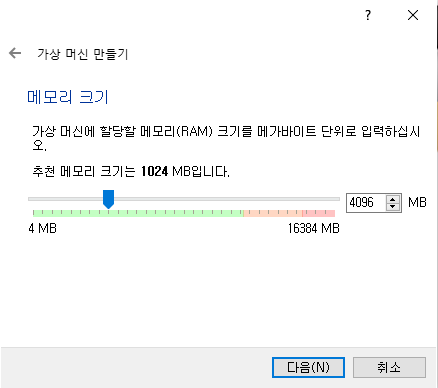
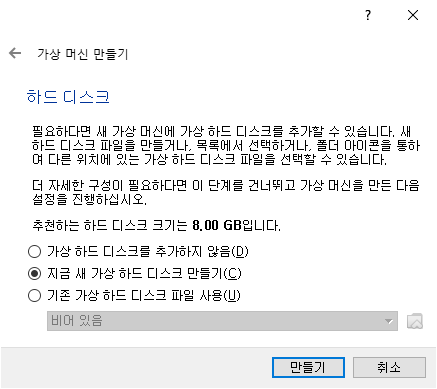


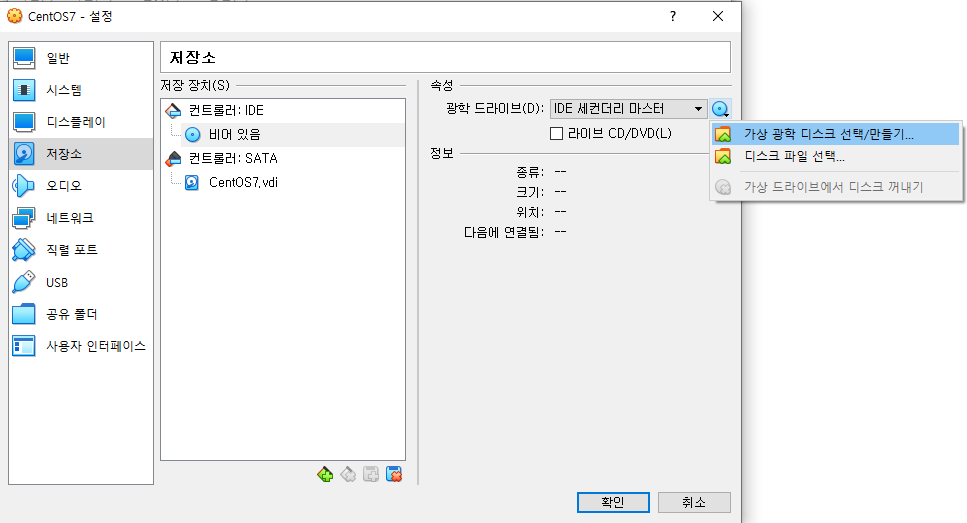


오디오, USB 체크 해제
yum install -y bash-completion wget unzip rdate
rdate -s time.bora.net
setenforce 0
sed -i s/^SELINUX=.*$/SELINUX=disabled/ /etc/selinux/config
systemctl disable --now firewalld
yum update -y
poweroff
* bash-completion : 자동완성기능
전원을 끈 후, [내보내기] 한다.
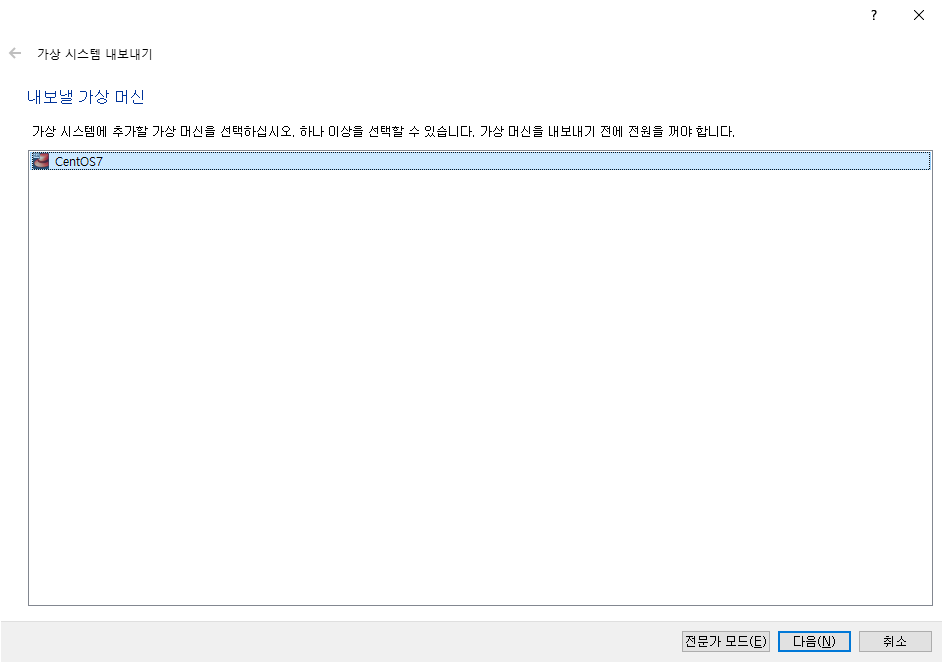

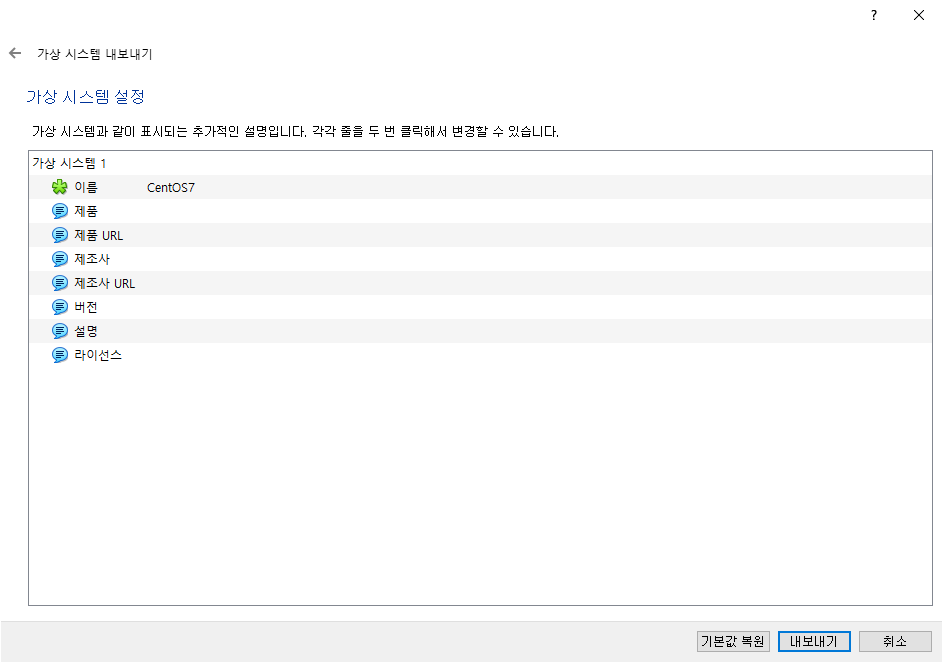
내보내기 후
다시 시작한다.
명령어 자동완성 설정
bash-completion을 해도 자동완성이 되지 않는다.

한 줄 추가하고
exit 후 다시 해보면 자동완성이 된다.
AWS CLI 설치
cd /tmp
curl "https://awscli.amazonaws.com/awscli-exe-linux-x86_64.zip" -o "awscliv2.zip"
unzip awscliv2.zip
./aws/install
aws --version
aws configure
아직 cli에서 자격증명이 되지 않았기 때문에 이런 오류가 뜬다.


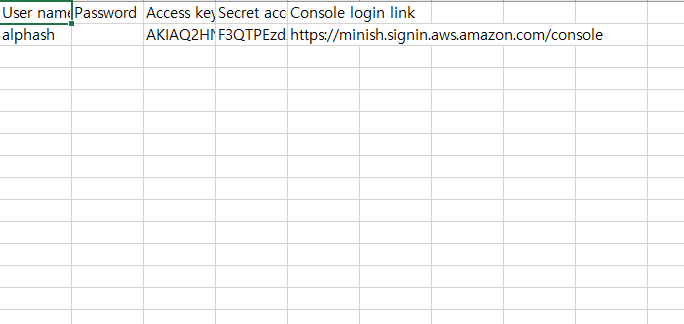
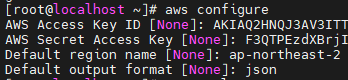
output format을 json

아무 에러없이 작동한다.

vpc를 생성하는 명령어는 ec2 안에 있다.
환경변수는 reboot하면 사라지기 때문에 만약 머신을 껐다 켰다면, 다시 설정해야 한다.
NEW_VPC를 서브네팅 한다.
--cidr-block : IP 범위 설정


---
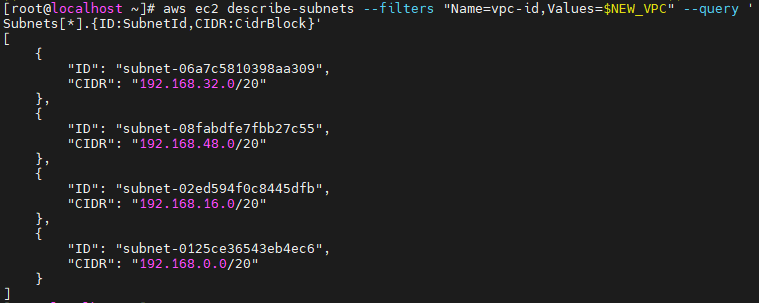
0, 16, 32, 48의 순서에 맞게 환경변수를 생성한다.


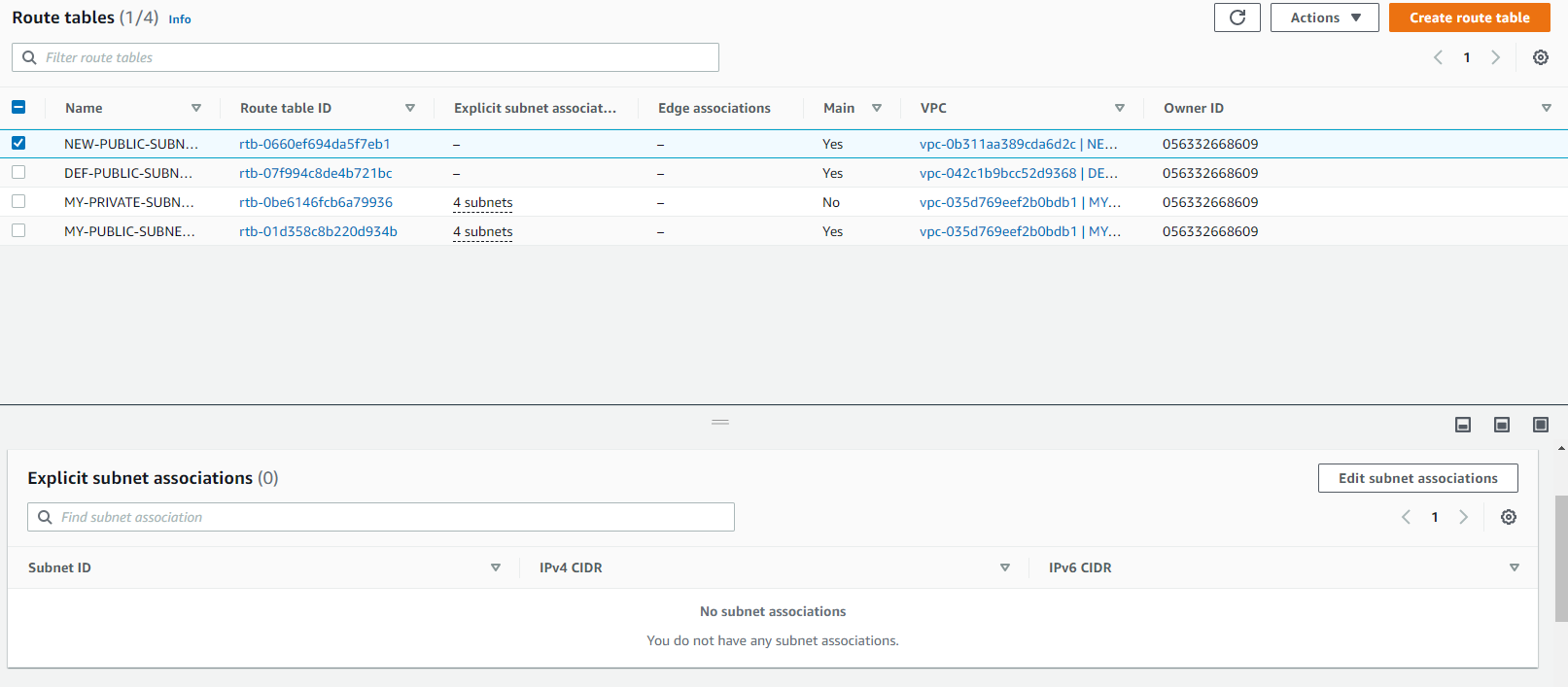
WEB UI 에서 해당 작업과 같다.
key-pair 만들기


보안 그룹 만들기

이 id를 복사해서 환경변수를 선언한다.
aws ec2 authorize-security-group-ingress --group-id $NEW_SG --protocol tcp --port 22 --cidr 123.142.252.25/32
# 내 컴퓨터만 접근 가능하다.
# 32비트 : 특수 비트
aws ec2 authorize-security-group-ingress --group-id $NEW_SG --protocol tcp --port 80 --cidr 0.0.0.0/0
aws ec2 authorize-security-group-ingress --group-id $NEW_SG --protocol icmp --port -1 --cidr 123.142.252.25/32
# -1 : 모든 포트를 의미한다.

웹으로 들어가보면 인바운드 규칙이 생성된 것을 볼 수 있다
볼륨 및 인스턴스 만들기
# vi mapping.json
파일 이름은 중요하지 않다
[
    {
        "DeviceName": "/dev/xvda",
        "Ebs": {
            "VolumeSize": 8
        }
    }
    {
        "DeviceName": "/dev/xvda",
        "Ebs": {
            "VolumeSize": 8
        }
    }
]

# vi my_script.txt
#!/bin/bash
yum install -y httpd
systemctl enable --now httpd
echo "<h1>Hello AWS CLI</h1>" > /var/www/html/index.html
ami의 id는 AMI 카탈로그에서 id를 가져온다.
# aws ec2 run-instances \
--image-id ami-0fd0765afb77bcca7 \
--count 1 \
--instance-type t2.micro \
--key-name new-key \
--security-group-ids $NEW_SG \
--subnet-id $NEW_SID1 \
--block-device-mappings file://mapping.json \
--user-data file://my_script.txt \
--tag-specifications 'ResourceType=instance,Tags=[{Key=Name,Value=NEW-WEB}]' 'ResourceType=volume,Tags=[{Key=Name,Value=NEW-ROOT}]'
나올 때는 q를 누르면 된다.
상단의 instanceID를 저장해 둔다.

환경변수 설정한다.


http가 잘 설치되었고, 80번 포트가 잘 열린 것을 알 수 있다.

인스턴스에 접속



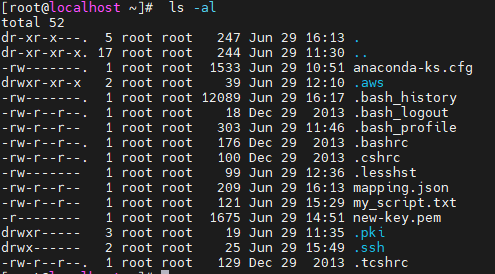
ls -al을 해보면 숨겨진 파일 중 .aws가 있는 것을 확인할 수 있다.
terminate - 인스턴스 종료
